


Games

Tech

About

I'm Mingzhe Shi, a second-year Computer Science graduate student at USC with a passion for game development.

Currently working on bringing two games to Steam in May 2025.

Contact

Email: mingzhes@usc.edu

GitHub: zhezhe23333

Instagram: @zhezhe_oo
← Back to Games

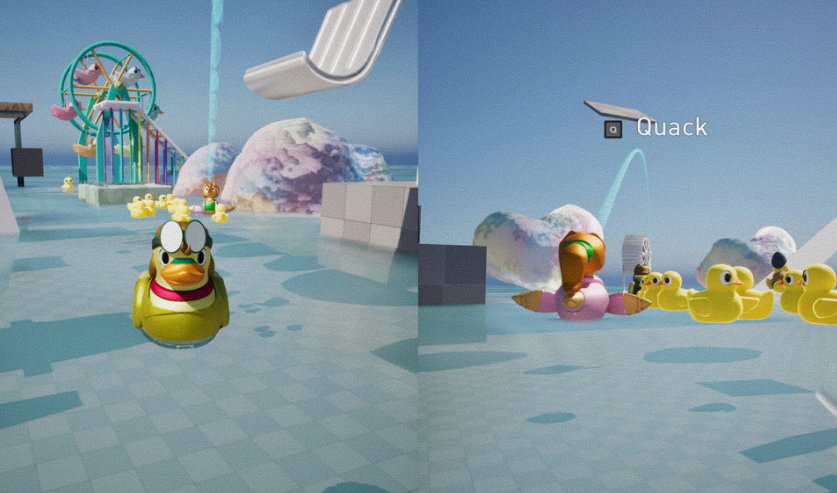
Lucky Duckies

USC Advanced Game Project | 06/2025 - Present

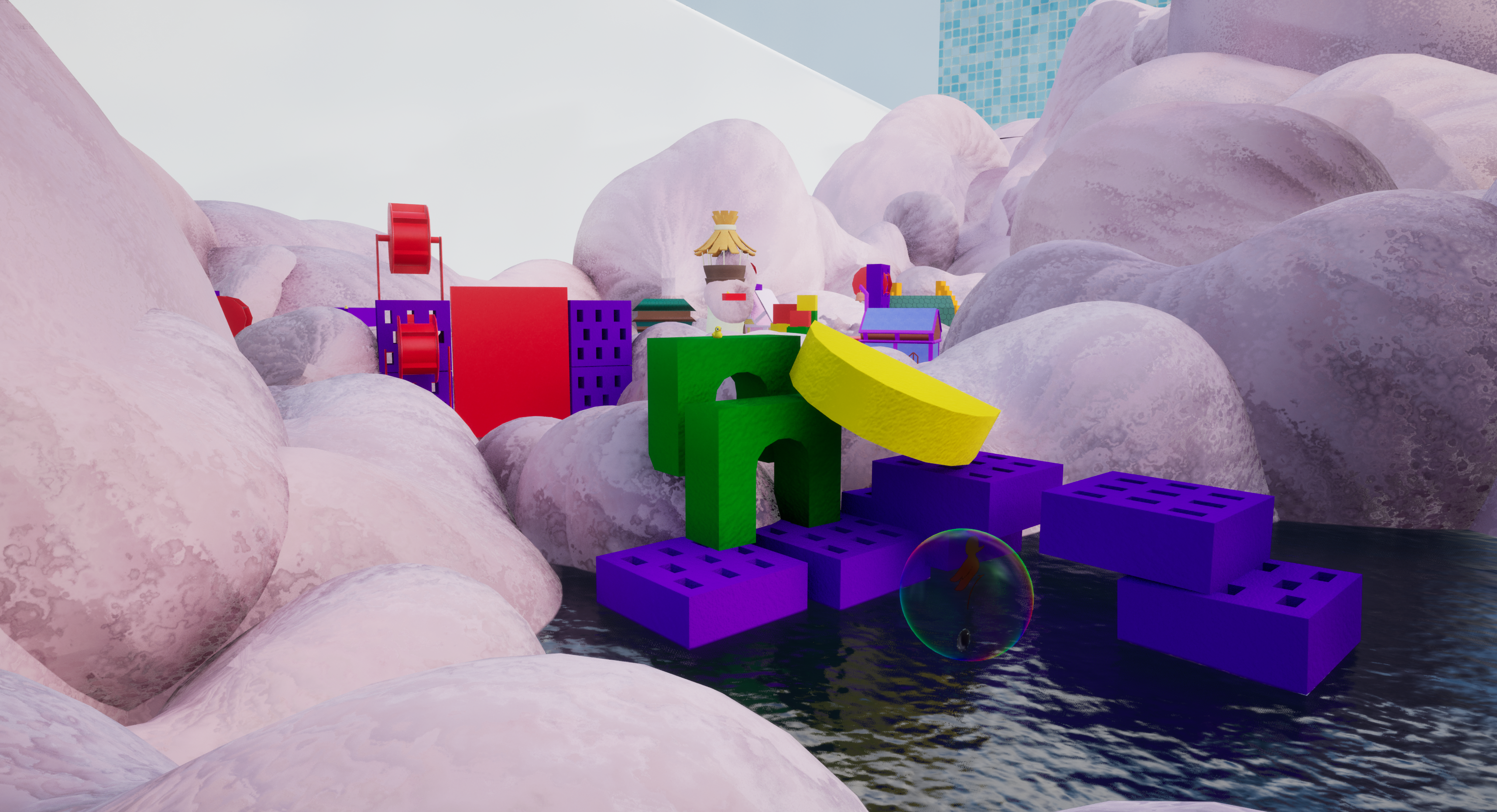
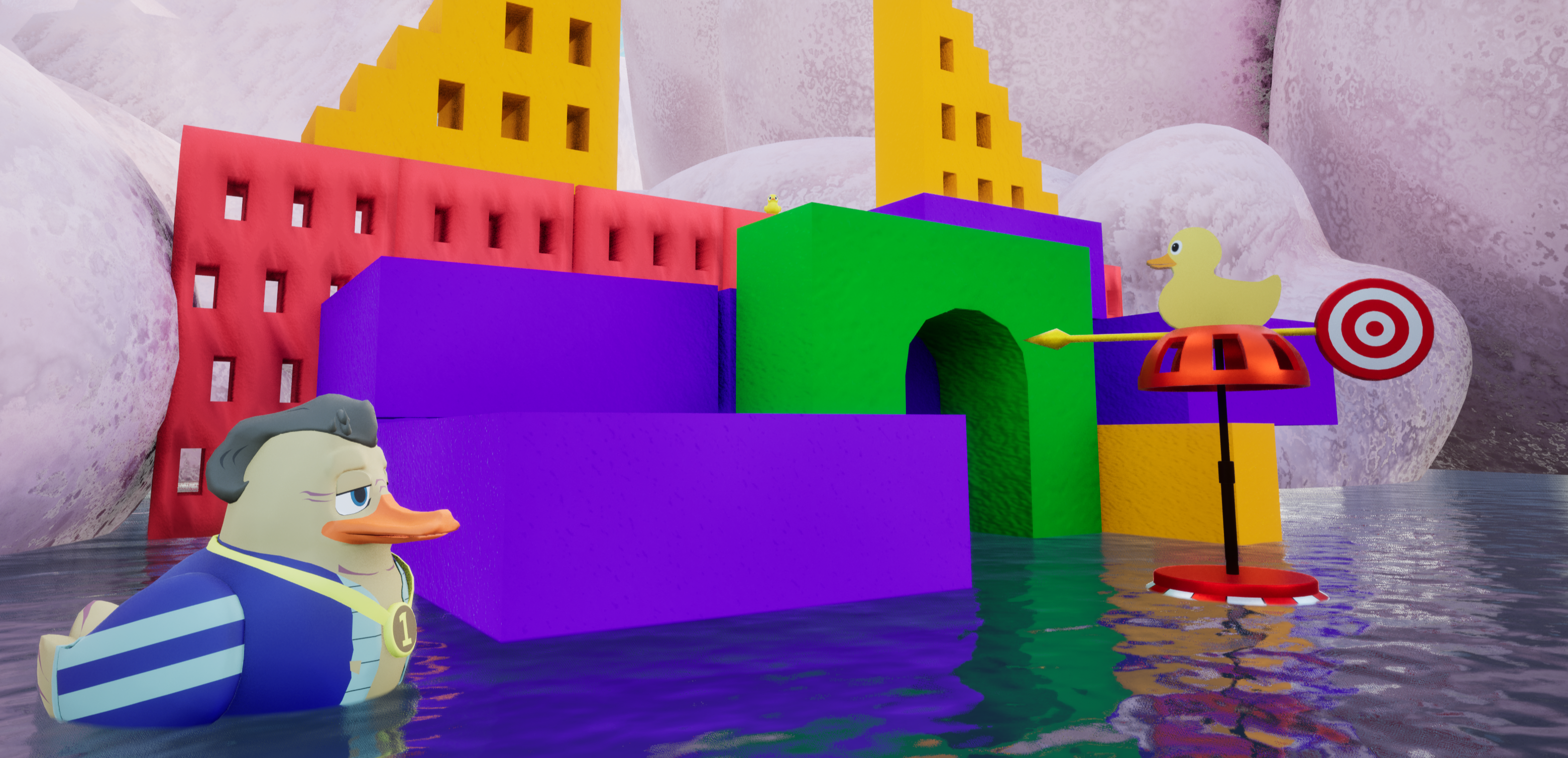
Lucky Duckies Hero

About the Project

Genre: 3D Co-op Multiplayer Puzzle Adventure

Role: Engineer (Team: 40 members, 12 engineers)

Platform: Unreal Engine 5 (C++)

Status: USC Advanced Game Project (AGP) in development for USC Games Expo 2026 and Steam release (May 2026).

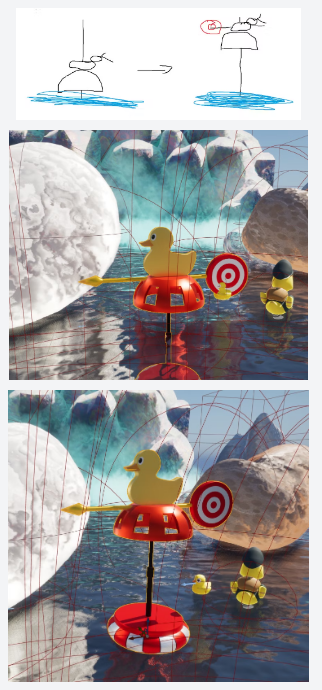
View previous USC AGPs →

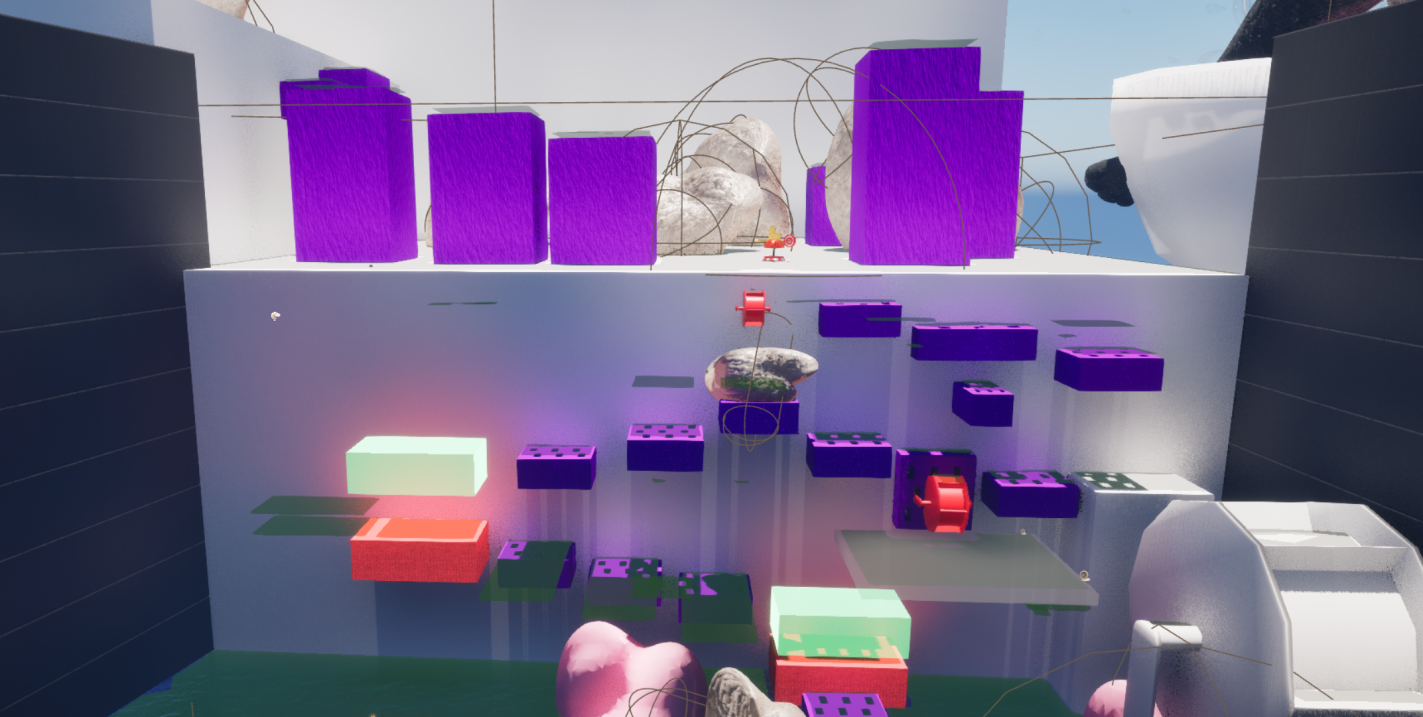
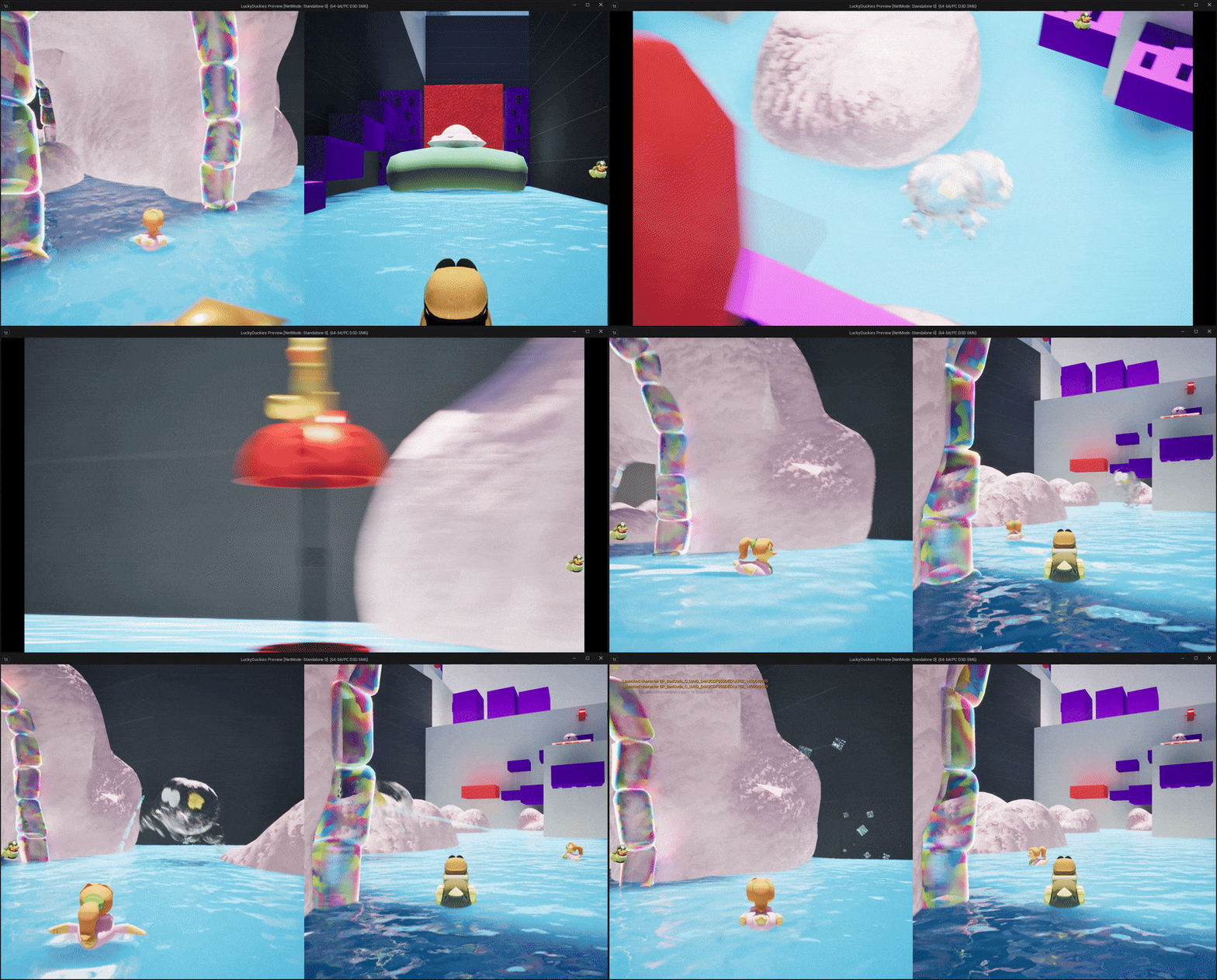
Lucky Duckies Gameplay
Lucky Duckies Screenshot

Screenshots

Lucky Duckies Screenshot 1
Lucky Duckies Screenshot 2
Lucky Duckies Screenshot 3
Lucky Duckies Screenshot 4

Trailer

← Back to Games

Cemented Dreams

Steam Release - May 2025 | USC Games

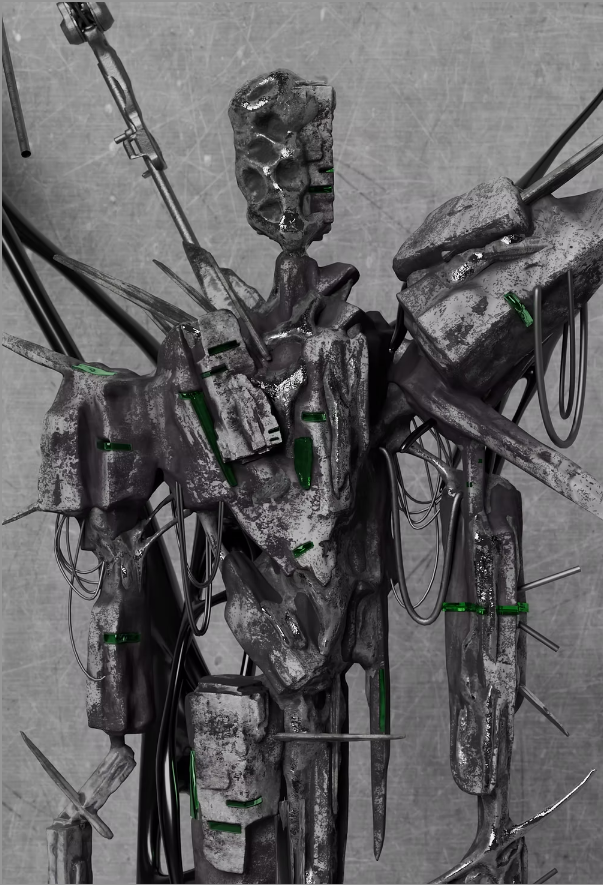
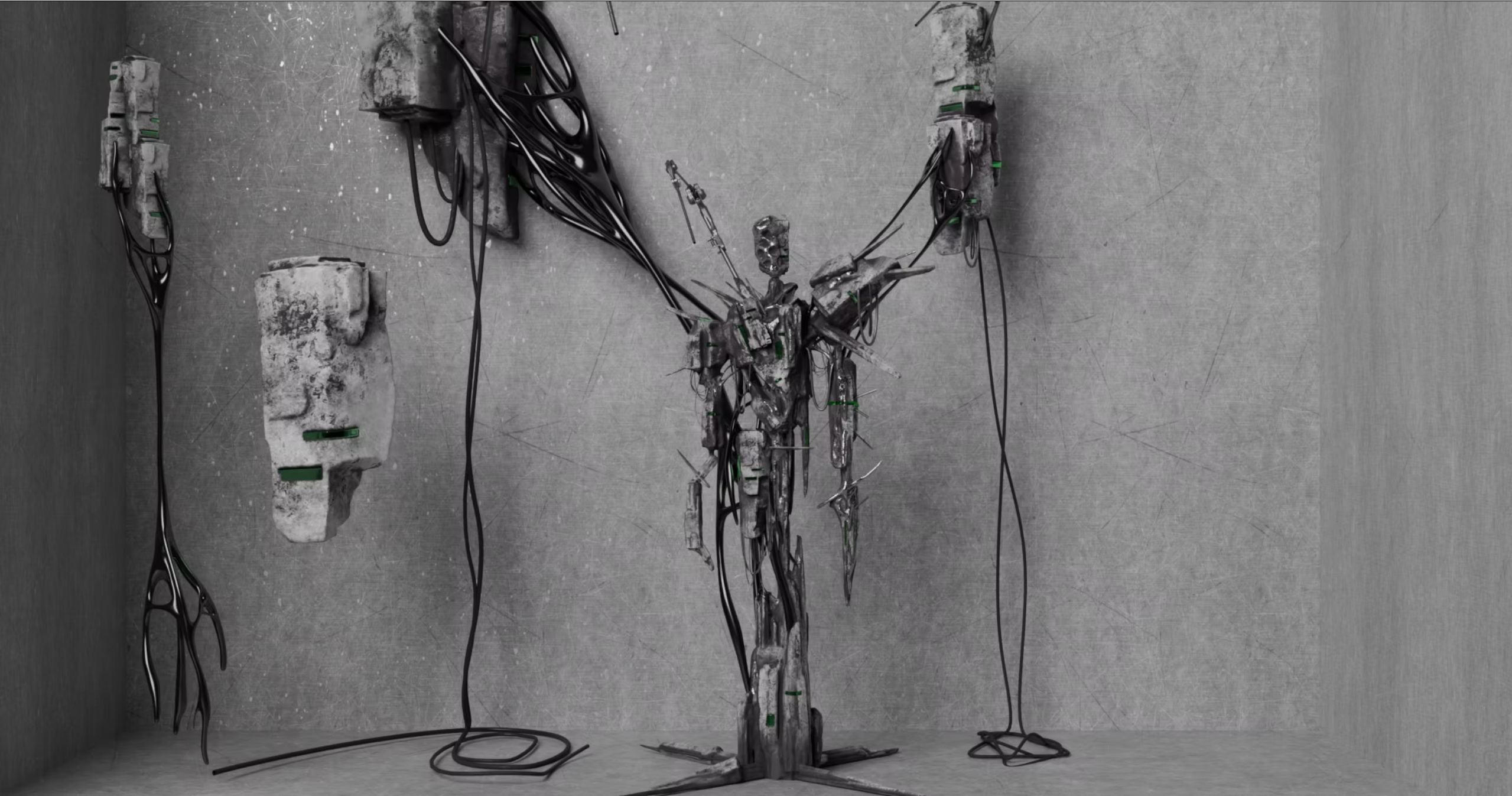
Cemented Dreams

About the Game

Cemented Dreams is a narrative-driven puzzle platformer that explores themes of urbanization and lost dreams through the eyes of a character trapped in an ever-expanding concrete jungle.

Key Features

  • Unique cement-based puzzle mechanics
  • Atmospheric storytelling through environmental design
  • Hand-crafted levels with multiple solutions
  • Original soundtrack that evolves with gameplay

My Role

Gameplay Programmer - Implemented core mechanics, puzzle systems, and level scripting.

Tech Stack

Unreal Engine 5, C++, Blueprints, Niagara VFX

Development Timeline

January 2024 - May 2025 (16 months)

← Back to Games

DeathSilence

TPS Shooting UE Game | 05/2025 - 08/2025

DeathSilence

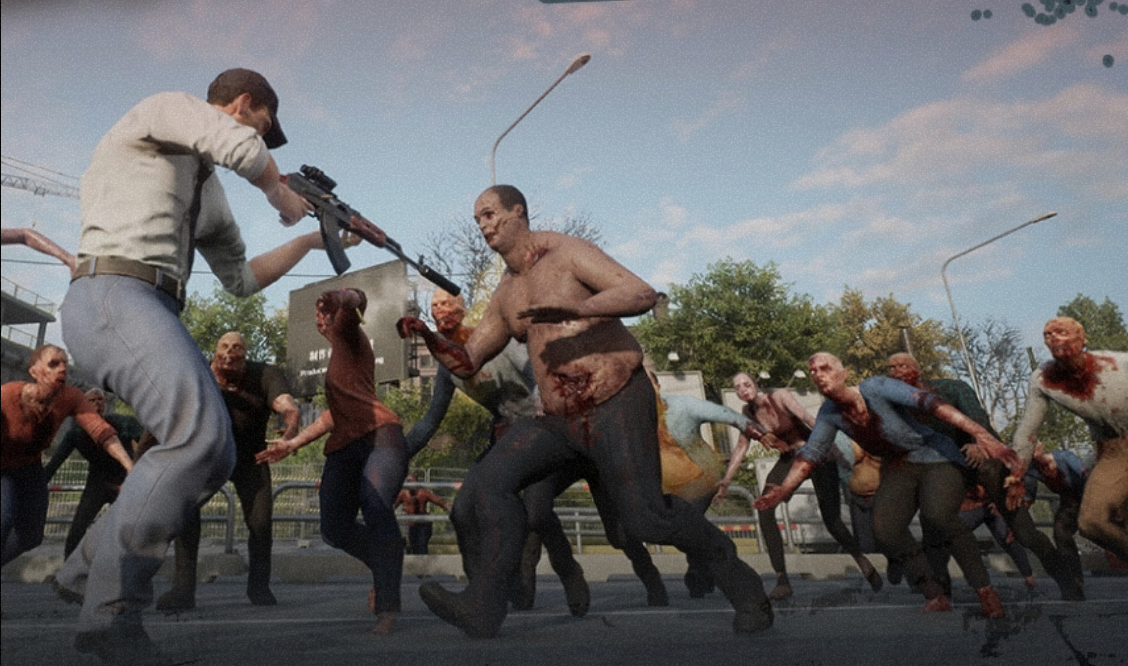
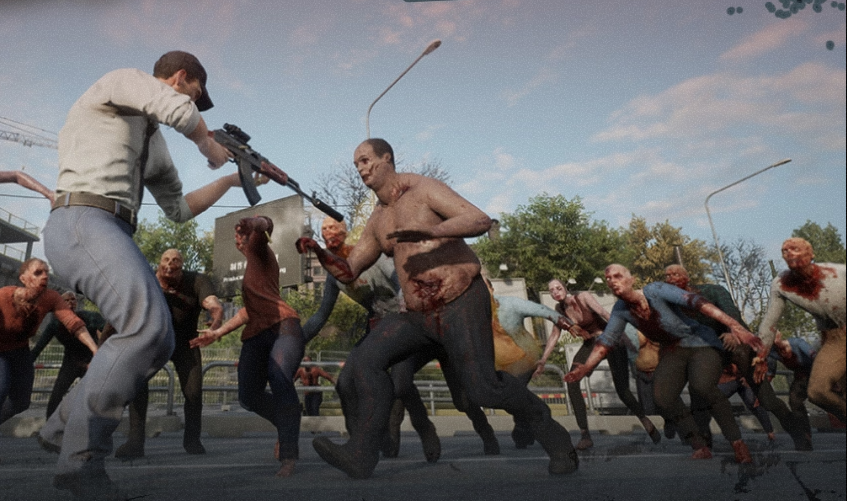
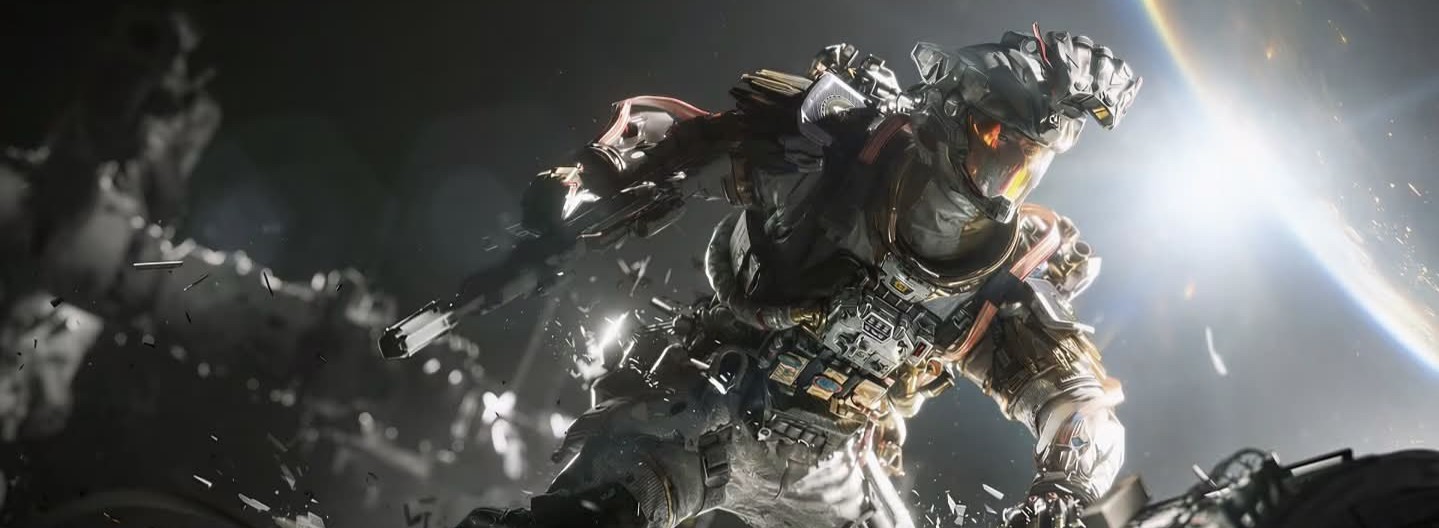
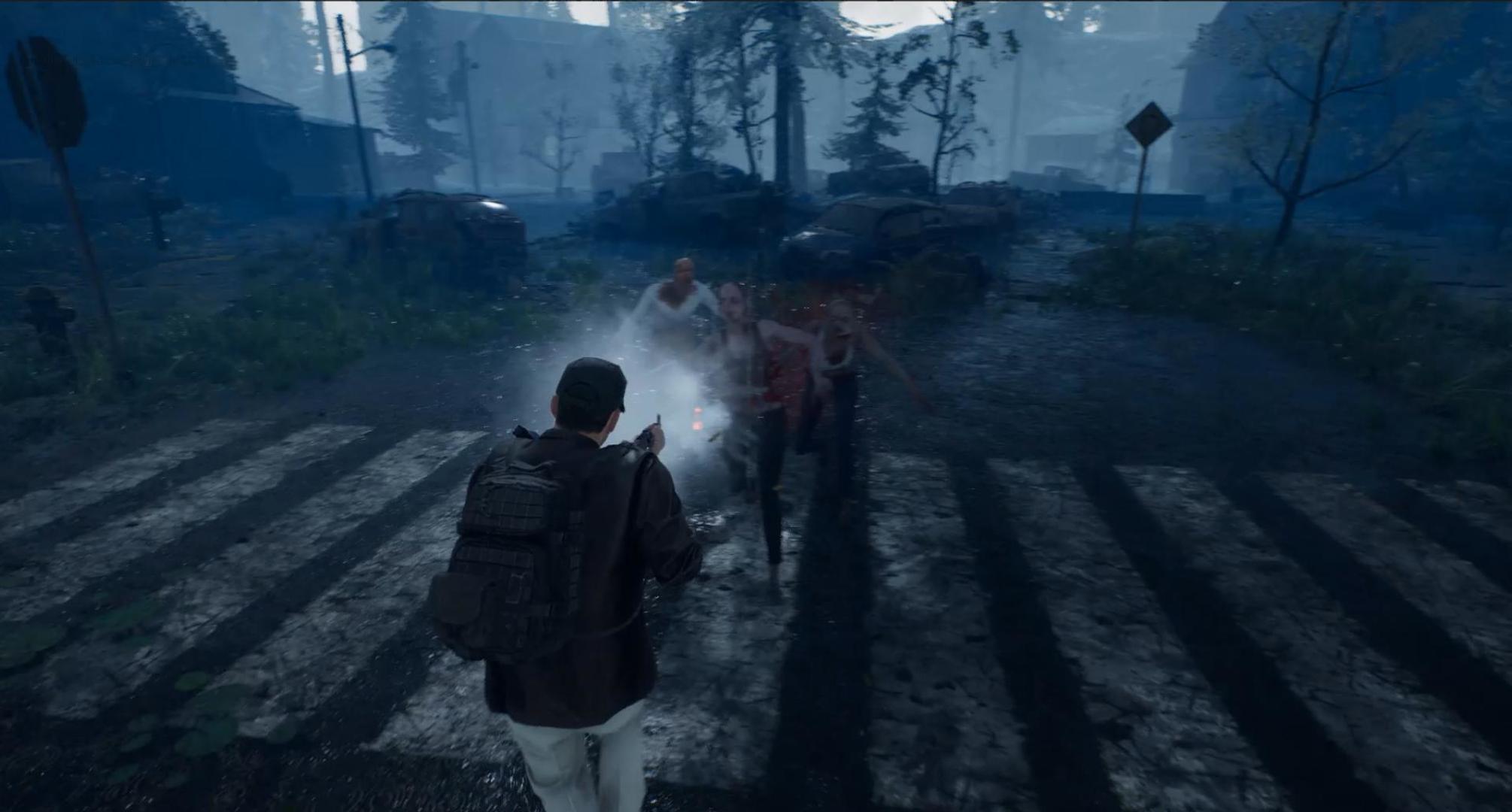
DeathSilence is an intense third-person zombie survival shooter built in Unreal Engine 5, featuring immersive combat mechanics, dynamic zombie AI systems, and an atmospheric post-apocalyptic environment.
Final Demo

Screenshots

Gameplay 1
Gameplay 2
Gameplay 2
Gameplay 2

Systems

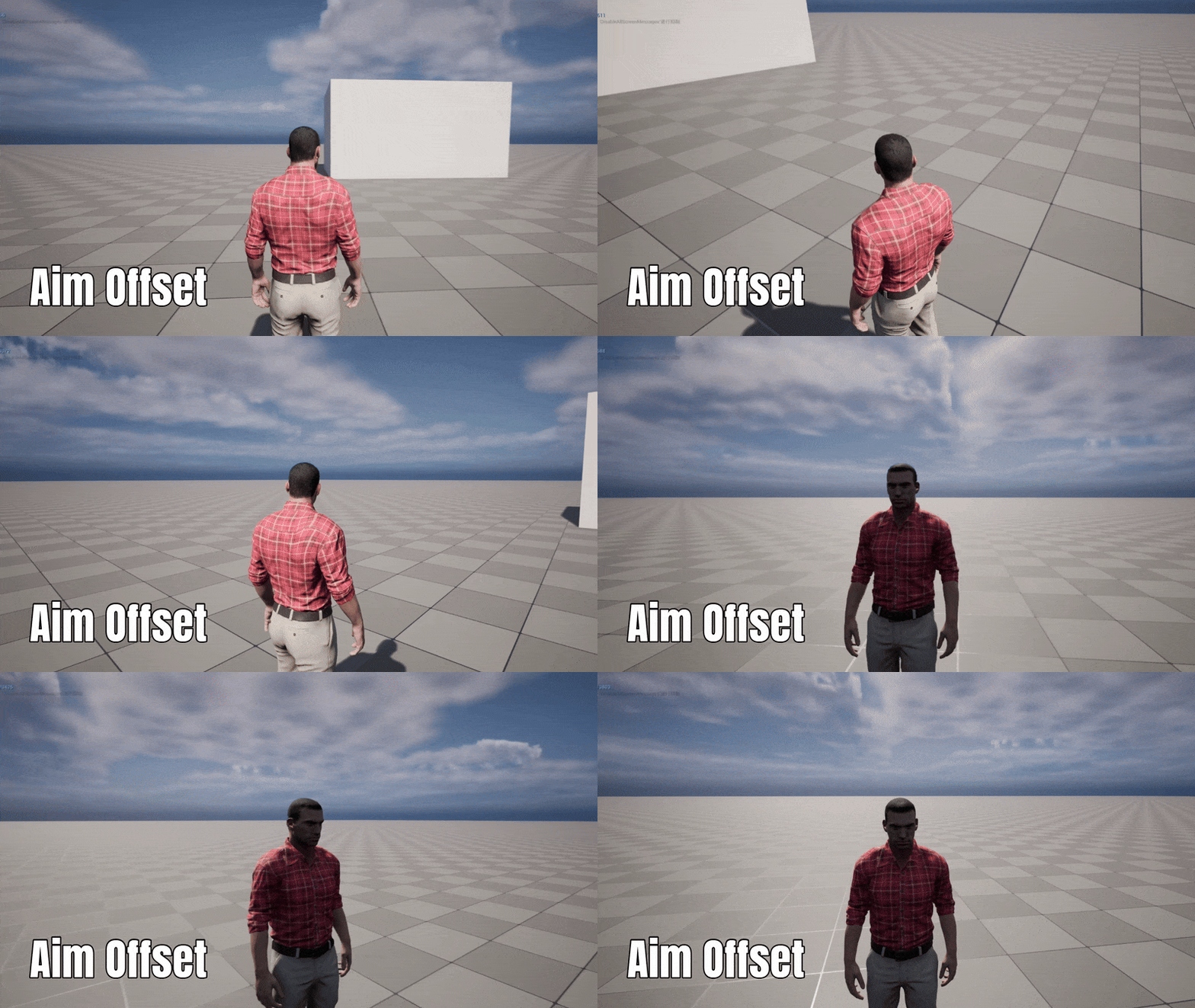
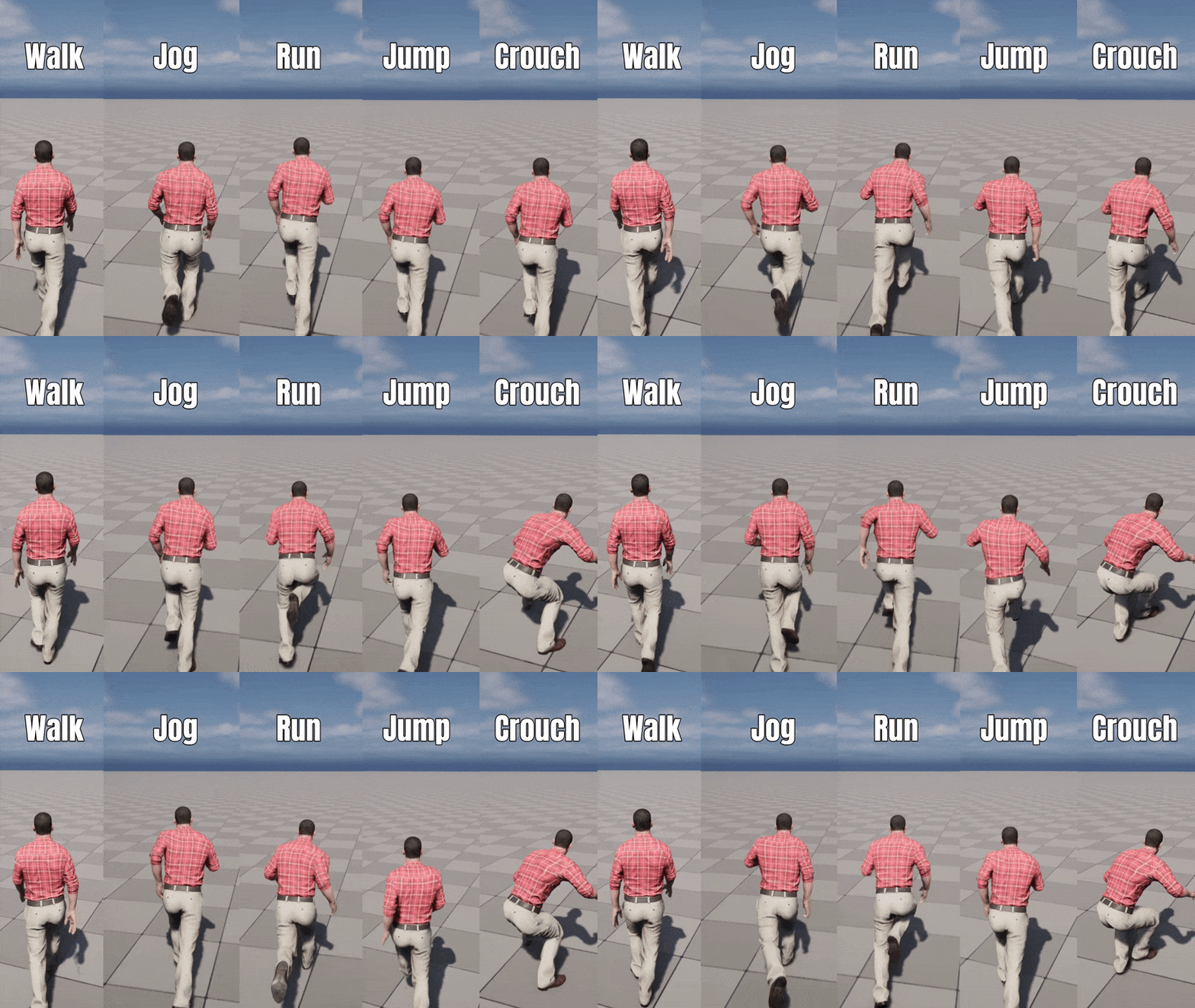
Weapon System & Animation

  • Equip/unequip with AnimMontage + State Machine
  • Two-Bone IK for precise aiming
  • Shooting with line trace + Physical Material
  • Fire modes (semi/full auto) and reload system

Pick Up & Inventory System

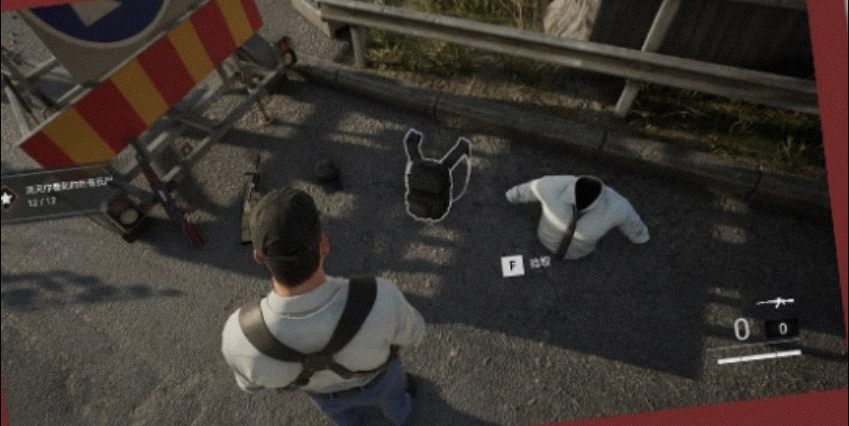
  • UI highlight + overlap detection for pickup
  • Inventory switching for primary/secondary weapons
  • Outfit customization via Skeletal Mesh swapping

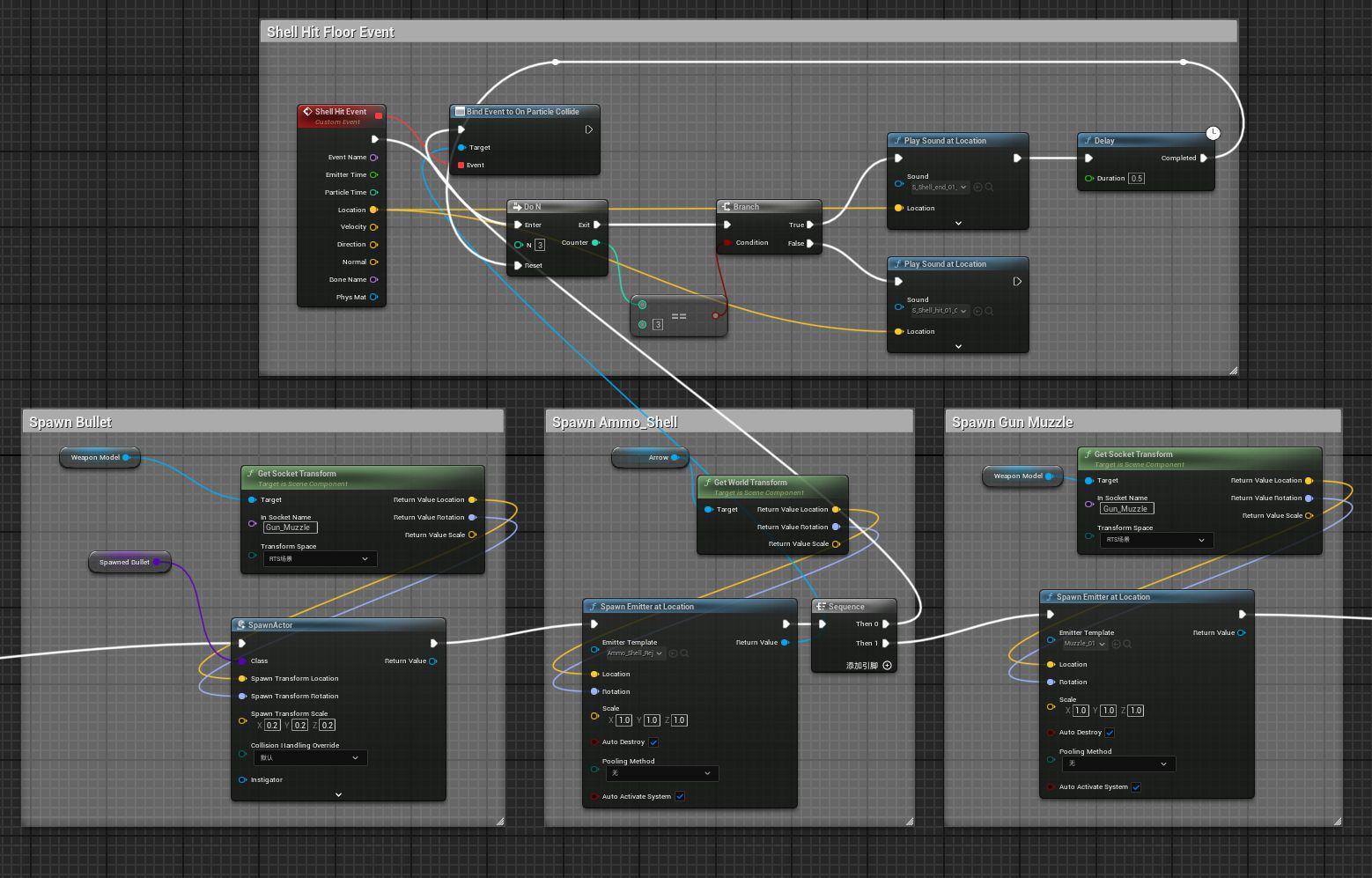
Shooting Blueprint Logic

Blueprint Logic

Enemy AI System

  • Idle roaming via Zombie_AC + NavMesh
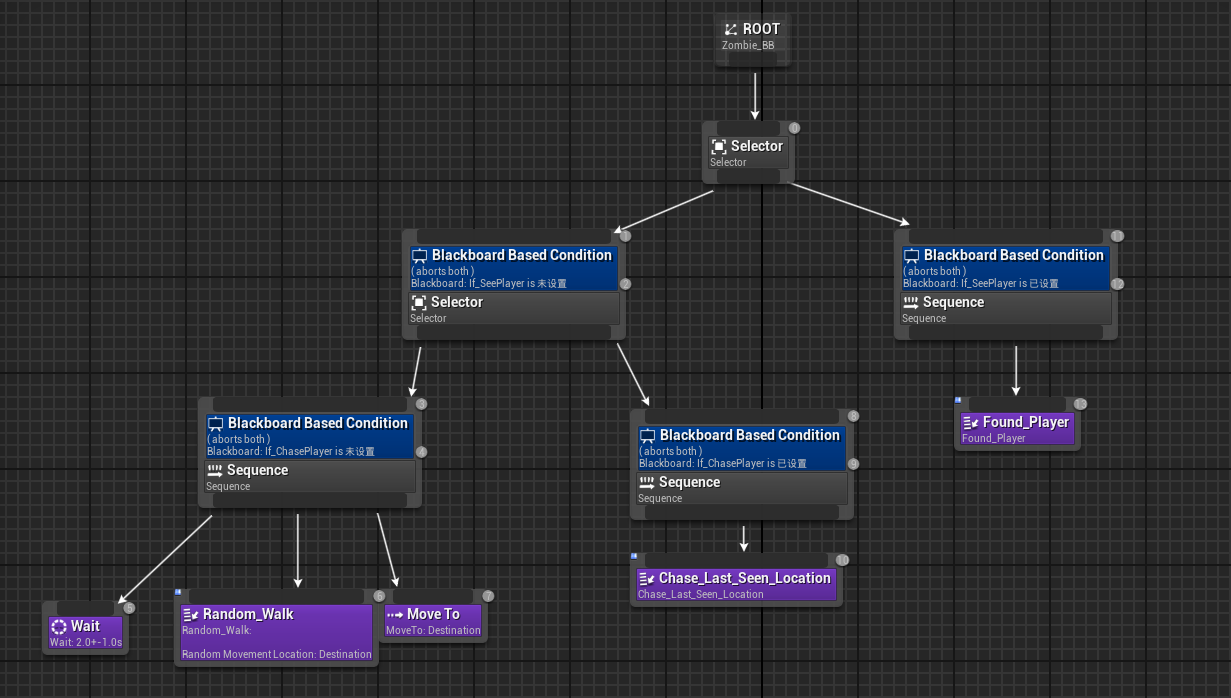
  • Detection & chasing with Behavior Tree + Blackboard
  • State sync between Zombie_BP, Zombie_AC, Zombie_BT
  • Combat feedback with Hit Montage and HP system

Zombie Behavior Tree

Zombie Behavior Tree

Tech Stack

Unreal Engine 5 • C++ • Blueprints • Behavior Trees • Animation Blueprints • Two-Bone IK • NavMesh • Physical Materials

← Back to Tech

[C++] Prime Engine

CSCI 522 Game Engine Development | 08/2024 - 12/2024

Course: CSCI 522 Game Engine Development

Professor: Artem Kovalovs, Principal Graphics & Game Programmer at Naughty Dog

Codebase: C++, Lua, Python (USC-owned Prime Engine)
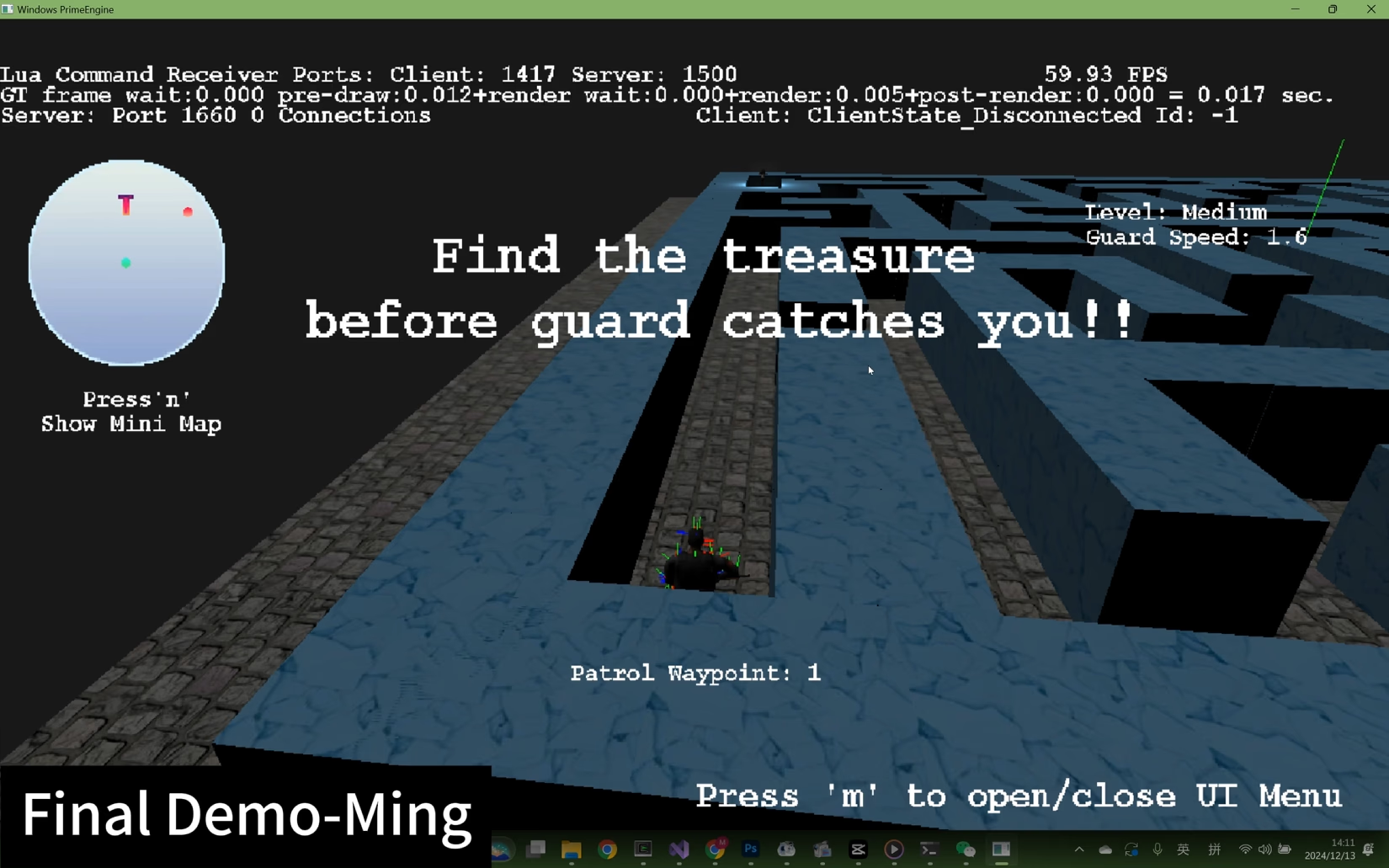
Final Demo

Engine Screenshots

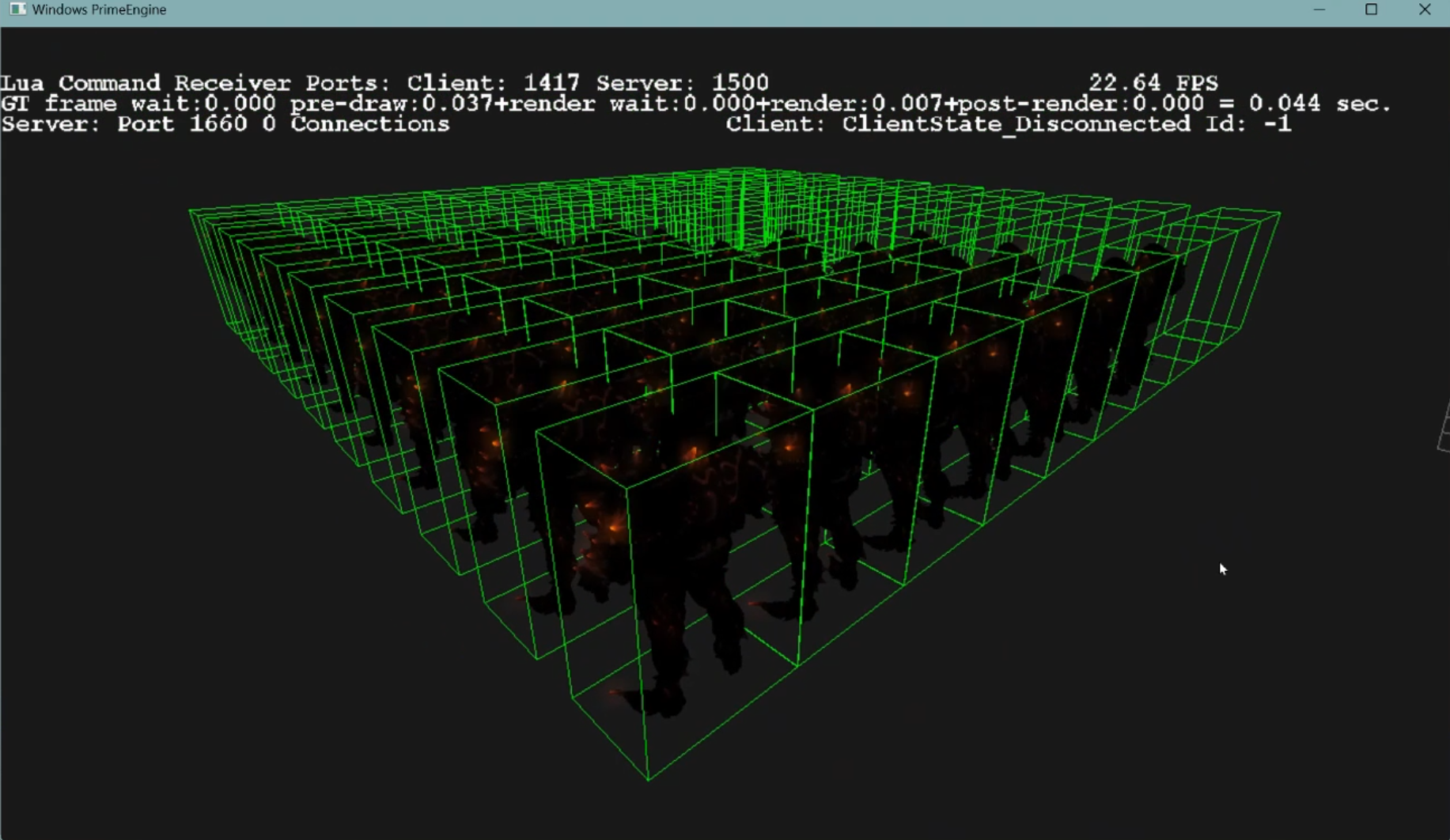
Engine Screenshot 1
Engine Screenshot 2

Key Features

  • Enhanced Waypoint Navigation
  • Adaptive Character Behaviors
  • Implemented AABB bounding volumes for meshes
  • Integrated camera frustum checking
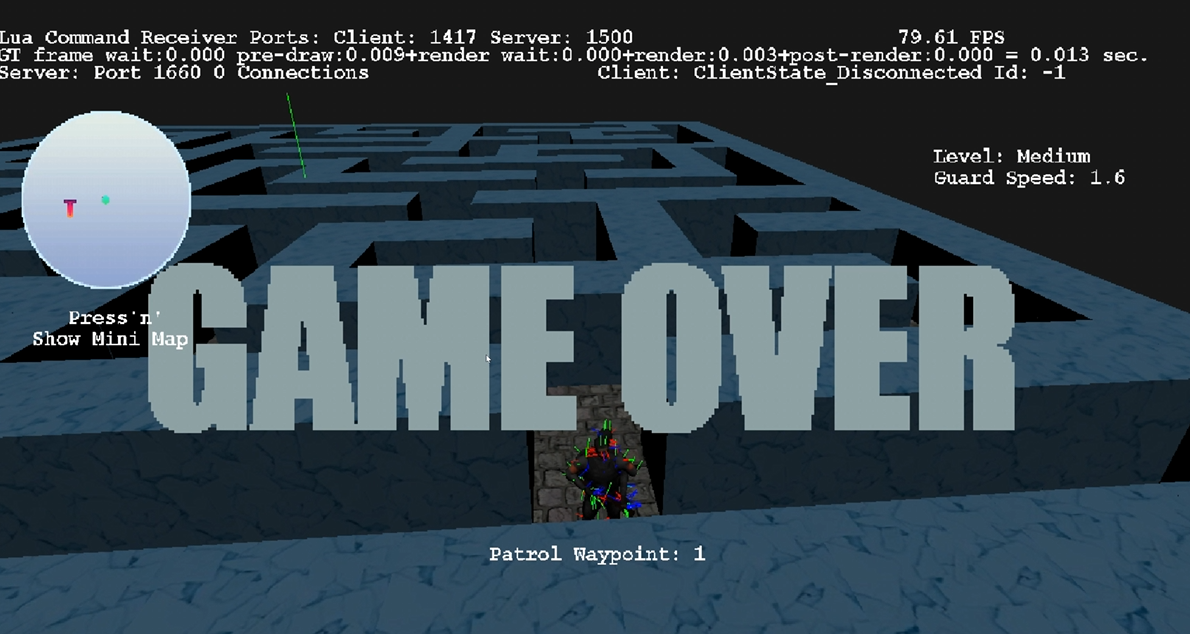
  • Updated physics simulations including collision effects and raycasting

Tasks

Task 1: Character Behavior Modification

  • Added multi-waypoint support and randomized movement for Soldier #1
  • Designed a new object, Target, for Soldier #2 to aim and shoot at
  • Repurposed soldier object as target with custom parameters

Task 2: Bounding Volumes and Frustum Plane Equations

  • Developed Axis Aligned Bounding Box (AABB) around meshes
  • Created camera frustum plane equations based on field of view
  • Used bounding volumes for camera view frustum checks to optimize render performance

Milestones

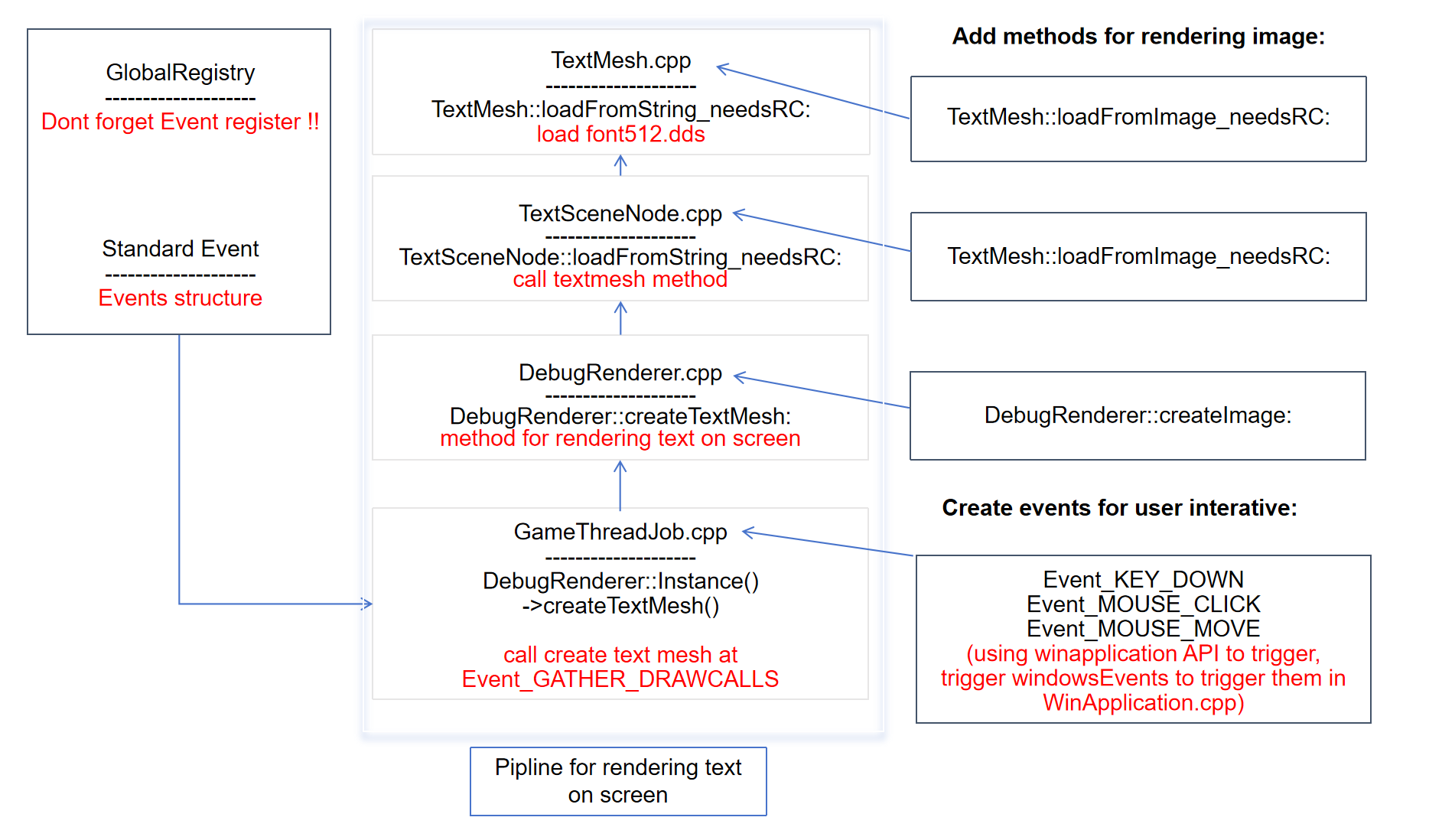
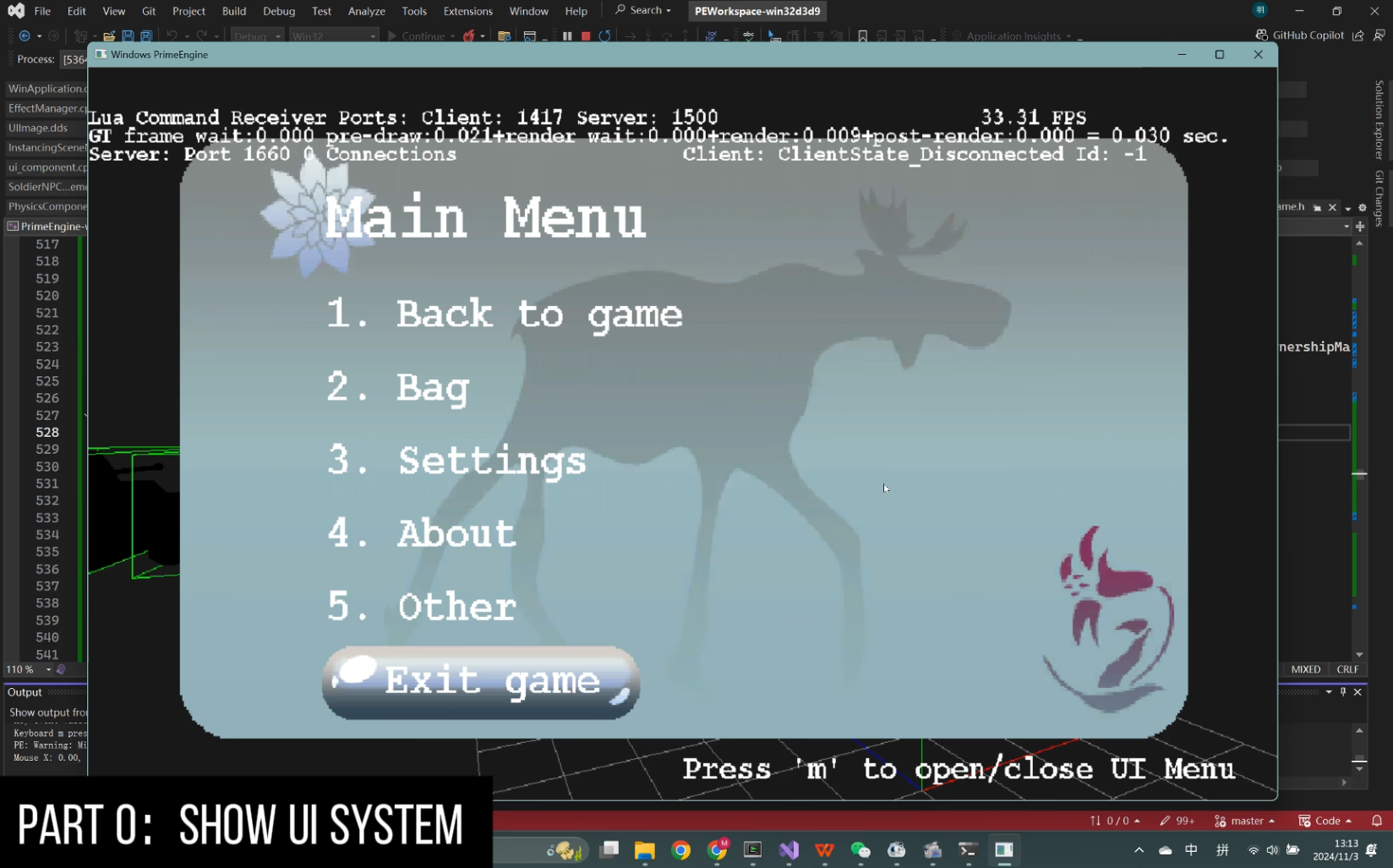
Milestone 1: UI System

  • Implemented a start menu that renders on screen
  • Built communication between UI and level, allowing level selection from the menu
  • Connected UI with character controller so the player can switch perspectives (e.g., first-person / third-person)
UI System

Milestone 2: Nav Mesh

  • Parsed the map and generated a navigation mesh from triangular geometry
  • Implemented an A* pathfinding algorithm on top of the nav mesh
  • Applied the system to AI soldiers, enabling them to detect and chase the player while avoiding obstacles
Nav Mesh Visualization

Tech Stack

C++17 • Lua • Python • Prime Engine • AABB Collision Detection • Frustum Culling • A* Pathfinding • Nav Mesh Generation

← Back to Tech

Artsy Android App

CSCI 571 Mobile Development | Fall 2024

An Android mobile application that allows users to search for artists and explore detailed information about their artworks. Users can register, log in, and save their favorite artists for quick access.

Platform: Android Studio, Pixel 8 Pro Emulator (API 34)

Architecture: MVVM with Jetpack Compose

API Integration: Artsy API + Node.js Backend
App Demo

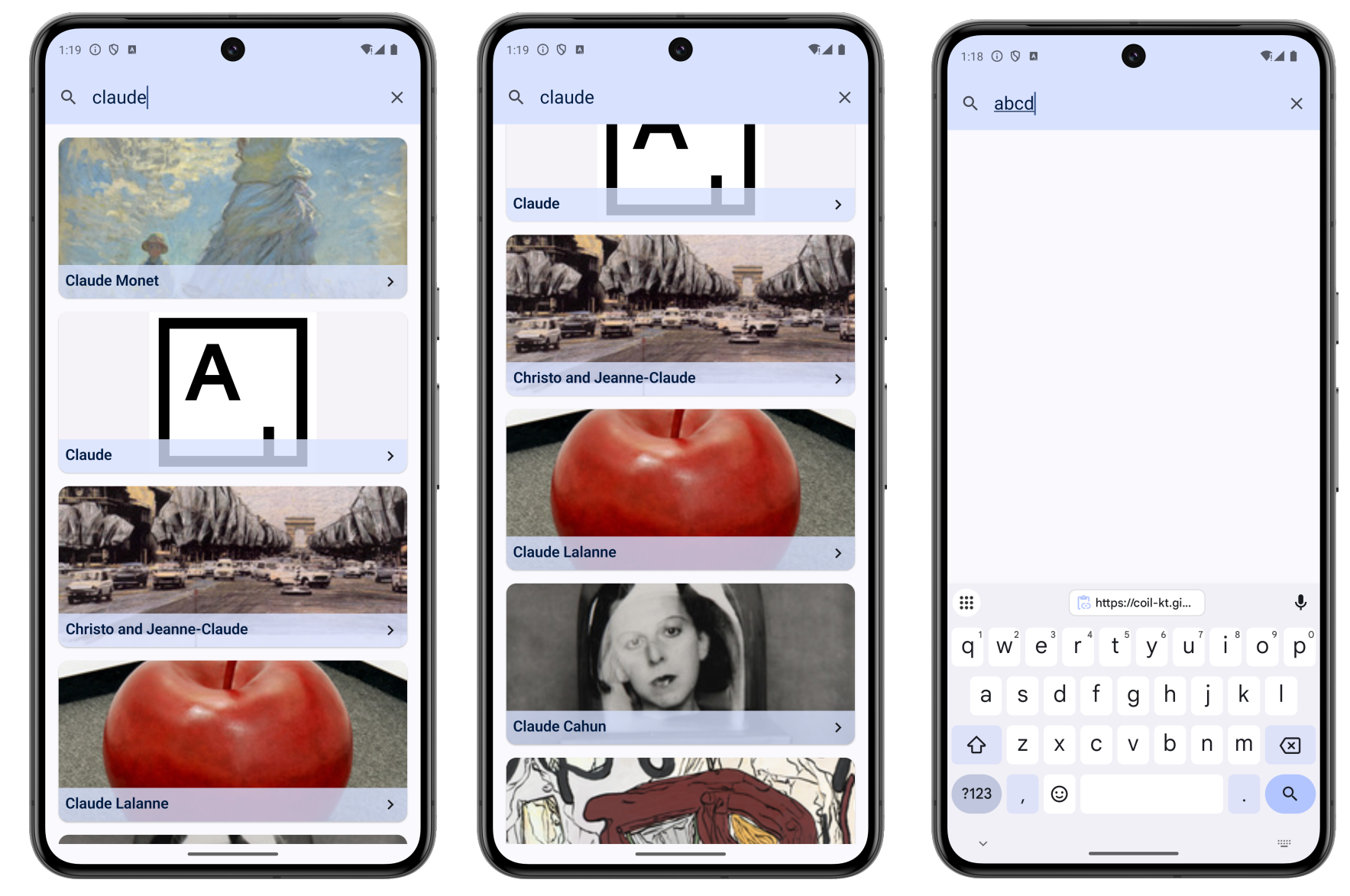
App Screens

Home Screen
Search Results
Search Results
Search Results

Key Features

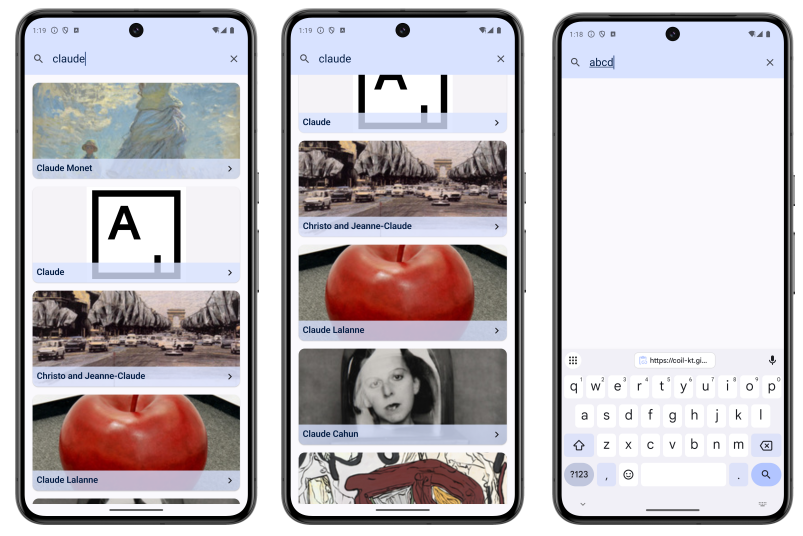
  • Dynamic Search: Real-time artist search with auto-complete (3+ characters)
  • Artist Details: Comprehensive information including biography, nationality, and timeline
  • Artwork Gallery: Browse artist's works with category information
  • Similar Artists: Discover related artists based on style and genre
  • User Authentication: Register and login with persistent sessions using cookies
  • Favorites System: Save and manage favorite artists with MongoDB Atlas backend
  • Material Design 3: Modern UI following Google's design guidelines

Technical Implementation

Frontend Architecture

  • Jetpack Compose: Modern declarative UI toolkit for building native Android interfaces
  • MVVM Pattern: Separation of concerns with ViewModel and UI state management
  • Navigation: Compose Navigation for seamless screen transitions
  • Lifecycle Management: Proper handling of Android lifecycle with Kotlin Coroutines

API & Networking

  • Retrofit: Type-safe HTTP client for API calls to Node.js backend
  • OkHttp: HTTP client with cookie management for session persistence
  • Kotlin Serialization: JSON parsing and data serialization
  • Coil: Asynchronous image loading with caching support

Data Persistence

  • PersistentCookieJar: Session cookie storage using SharedPreferences
  • MongoDB Atlas: Cloud database for user favorites and authentication
  • Local State Management: In-memory caching for optimal performance

App Screens

1. Home Screen

  • Display current date and favorites section
  • Search icon for artist lookup
  • User avatar with dropdown menu (logout, delete account)
  • Dynamic favorites list with artist cards

2. Search Result Screen

  • Real-time search with LazyColumn scrolling
  • Artist cards with images loaded via Coil
  • Click to navigate to detailed information

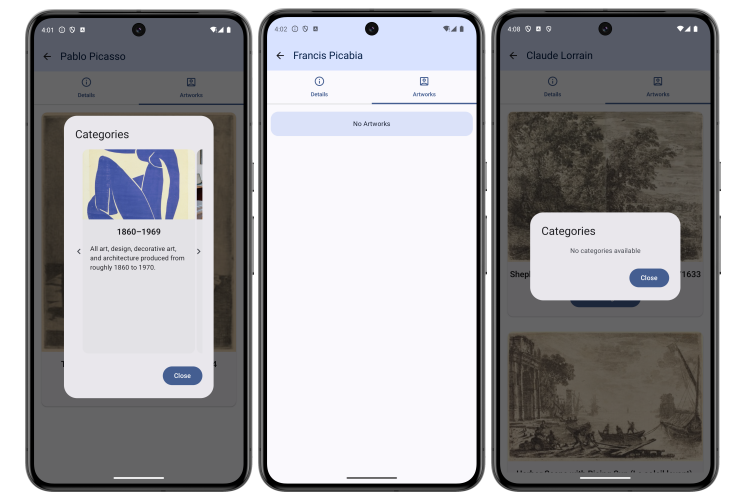
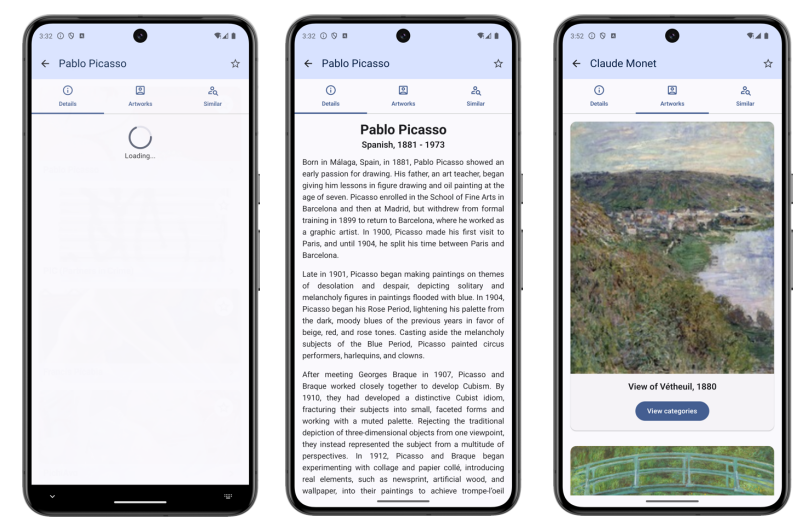
3. Artist Details Screen

  • Details Tab: Biography, nationality, birth/death dates
  • Artworks Tab: Gallery with category dialog and carousel
  • Similar Tab: Related artists discovery (login required)
  • Favorite toggle with Snackbar feedback

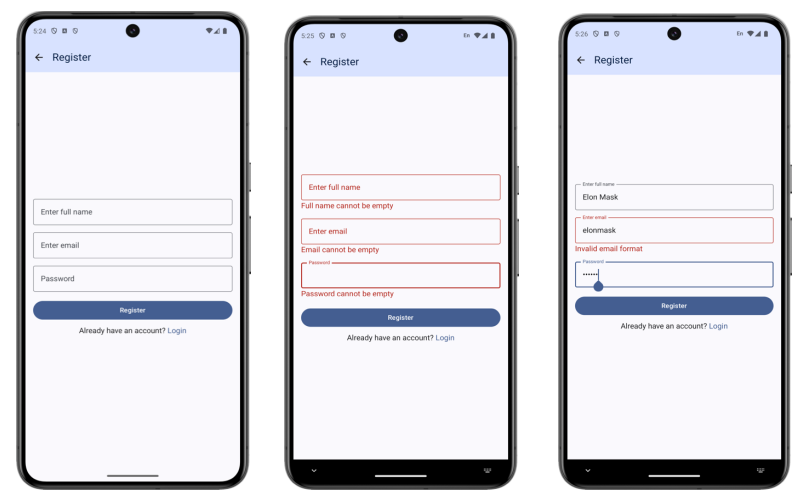
4. Login & Register Screens

  • Input validation with error messaging
  • Password hiding with PasswordVisualTransformation
  • Loading indicators during authentication
  • Session persistence with cookie storage

Challenges & Solutions

  • Session Management: Implemented custom PersistentCookieJar to maintain login state across app restarts
  • Asynchronous Loading: Used Kotlin Coroutines to prevent UI blocking during API calls
  • Image Performance: Leveraged Coil's caching mechanisms for smooth scrolling in lists
  • State Management: Proper handling of loading, success, and error states across all screens

Tech Stack

Kotlin • Jetpack Compose • Android Studio • Retrofit • OkHttp • Coil • Material Design 3 • Kotlin Coroutines • PersistentCookieJar • SharedPreferences • MongoDB Atlas • Node.js Backend • Artsy API